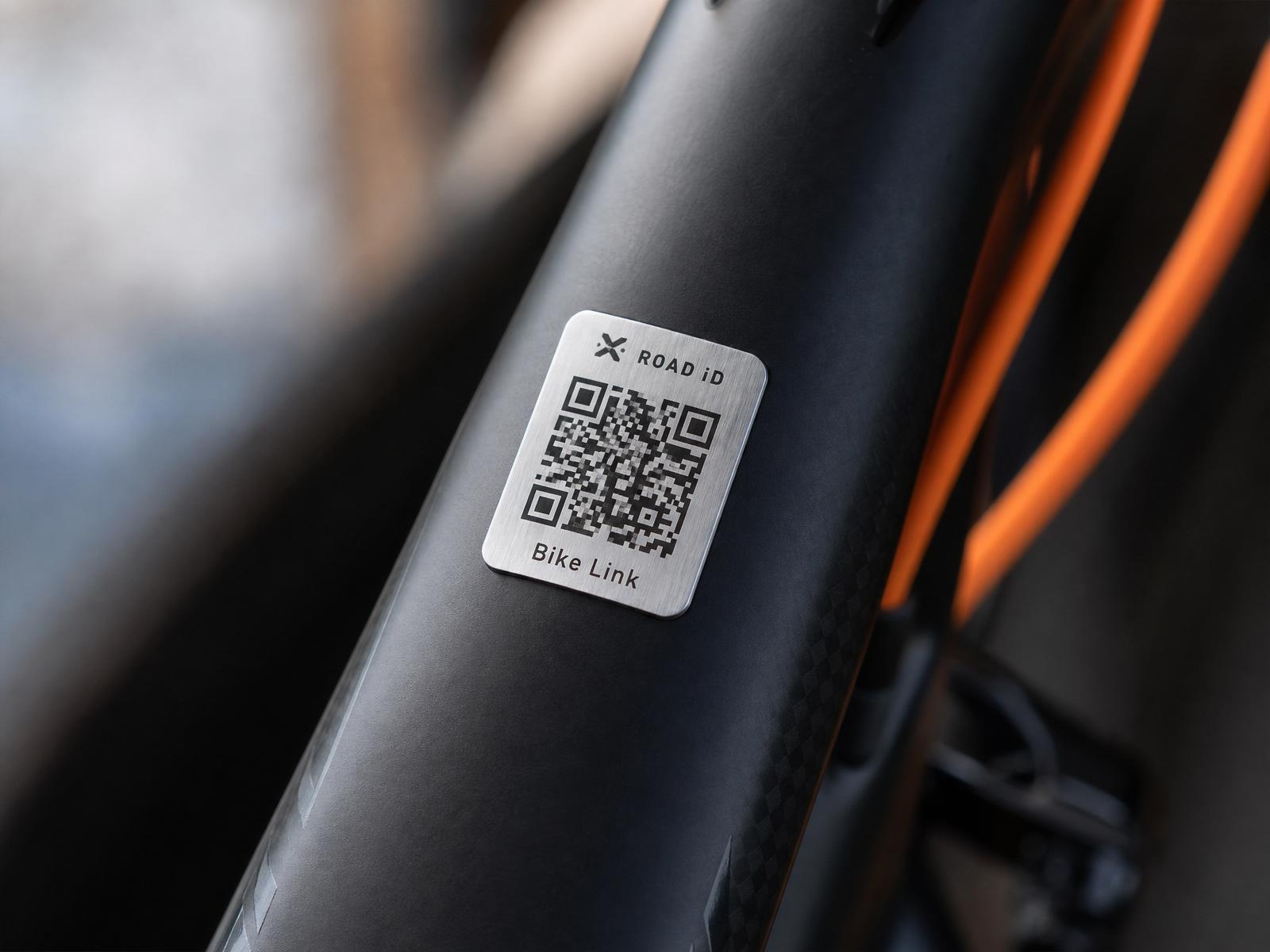
The bike, the rider, and one connected profile.
Bike Link is a small piece of hardware and a set of rider-first workflows. Explore how each part of the ecosystem plays together.
Three parts. One rider-controlled connection.
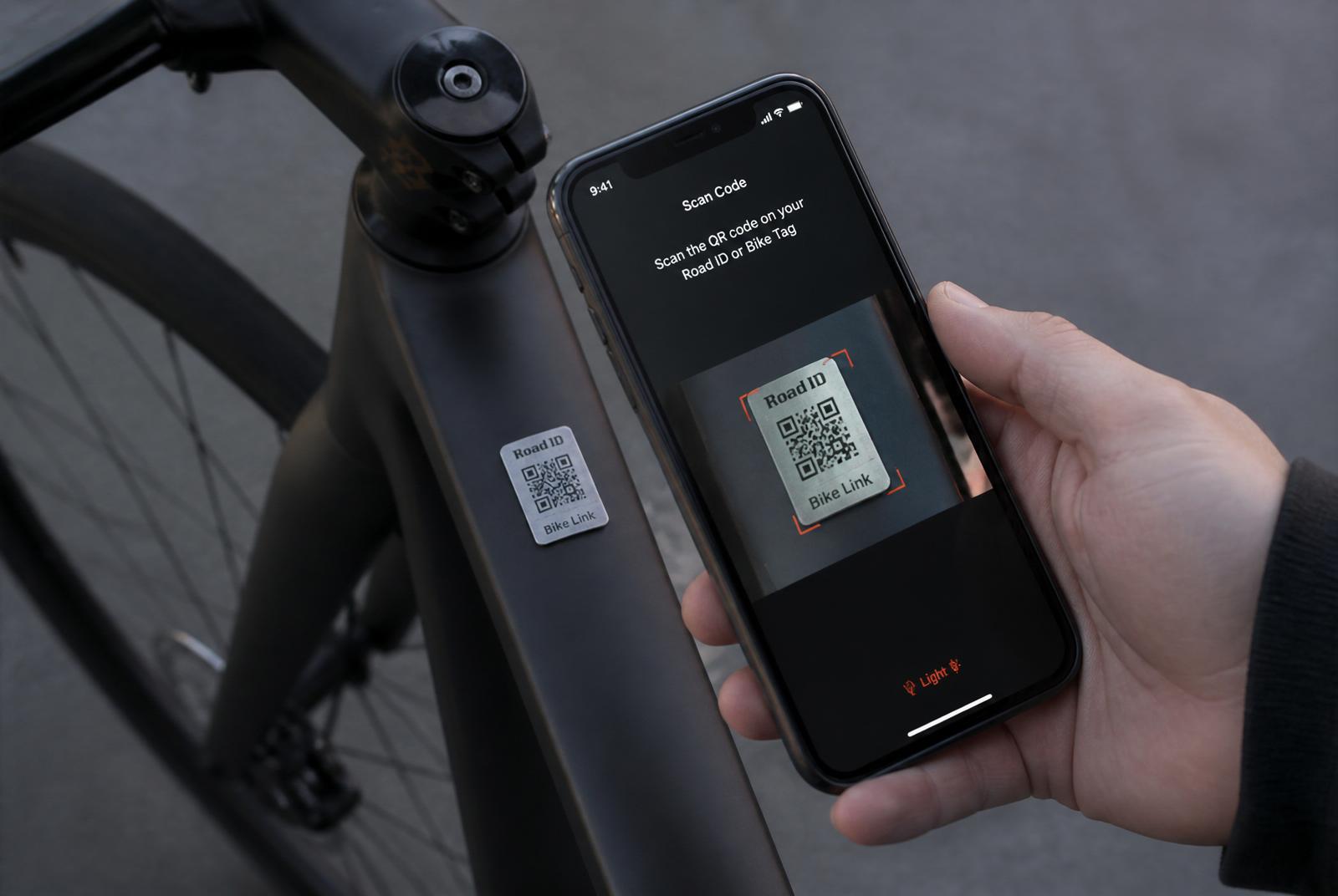
Bike Link is deliberately simple: a durable tag, a bike record, and a rider profile. Every scan is mediated by rider preferences — never a raw data dump.
The tag
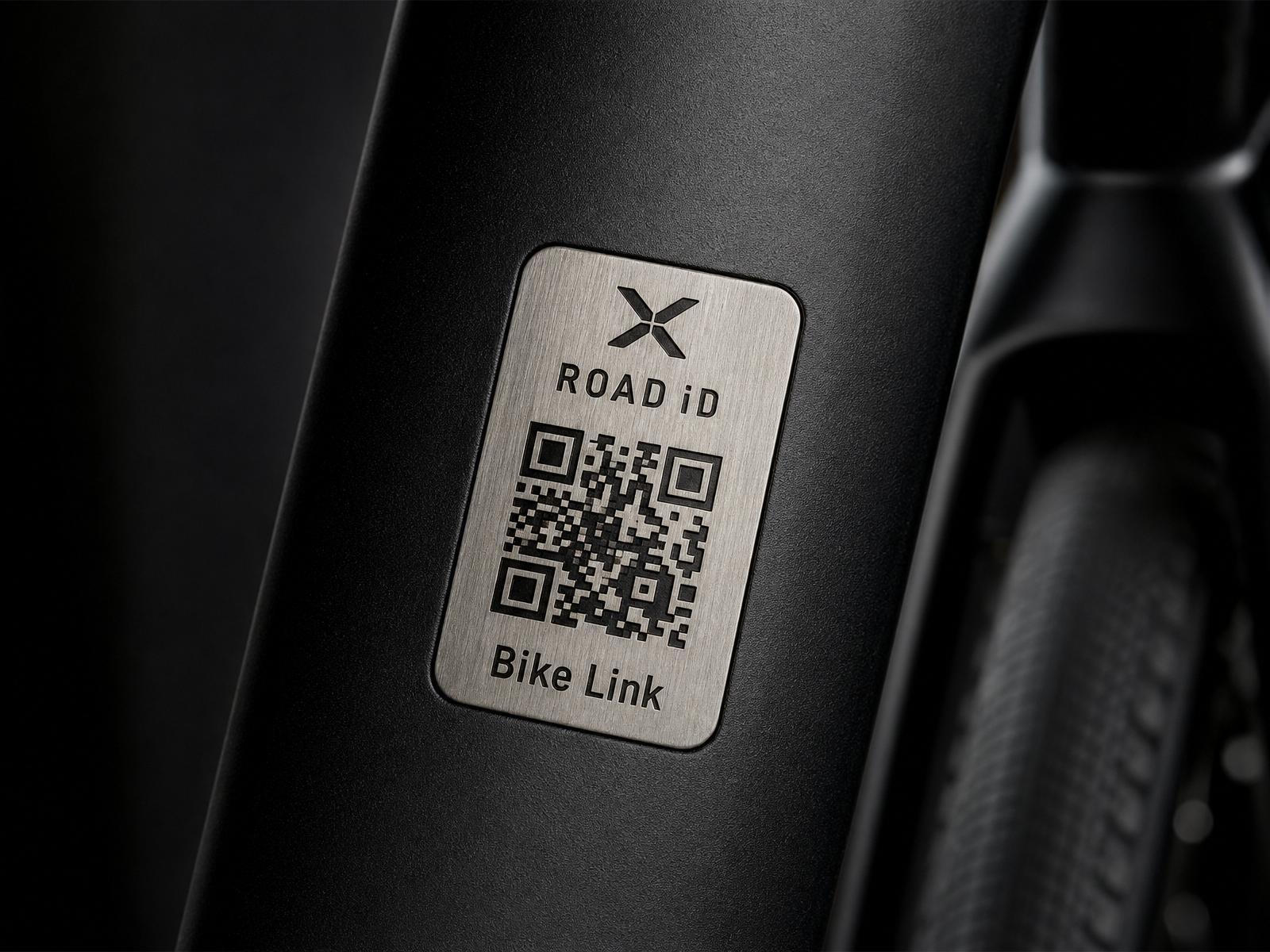
Laser-etched brushed stainless steel with an industrial adhesive backing. Sized to sit flat on a top tube or seat stay. No batteries, no app required to scan.
The bike record
Make, model, color, photo, and a status the rider controls: Safe, Missing, Stolen, or Found. Recovery details appear only when the rider flips a switch.
The rider profile
Powered by ROAD iD. One profile follows the rider across owned bikes, rentals, and wearables — with granular per-connection privacy.
Built to disappear into the bike.
- Adhesive mount
Industrial VHB backing — no bolts, no fabric straps, no fleet retrofits. Applied once at delivery.
- Laser-etched QR
Etched into the metal, not printed. Survives sun, rain, degreasers, and years of trail dust.
- Backup code
A short human-readable ID sits below the QR for manual entry when a camera can't focus.
- Scan-native
Opens in any phone camera. No app install required for the scanner or the rider.
Five perspectives on the same bike.
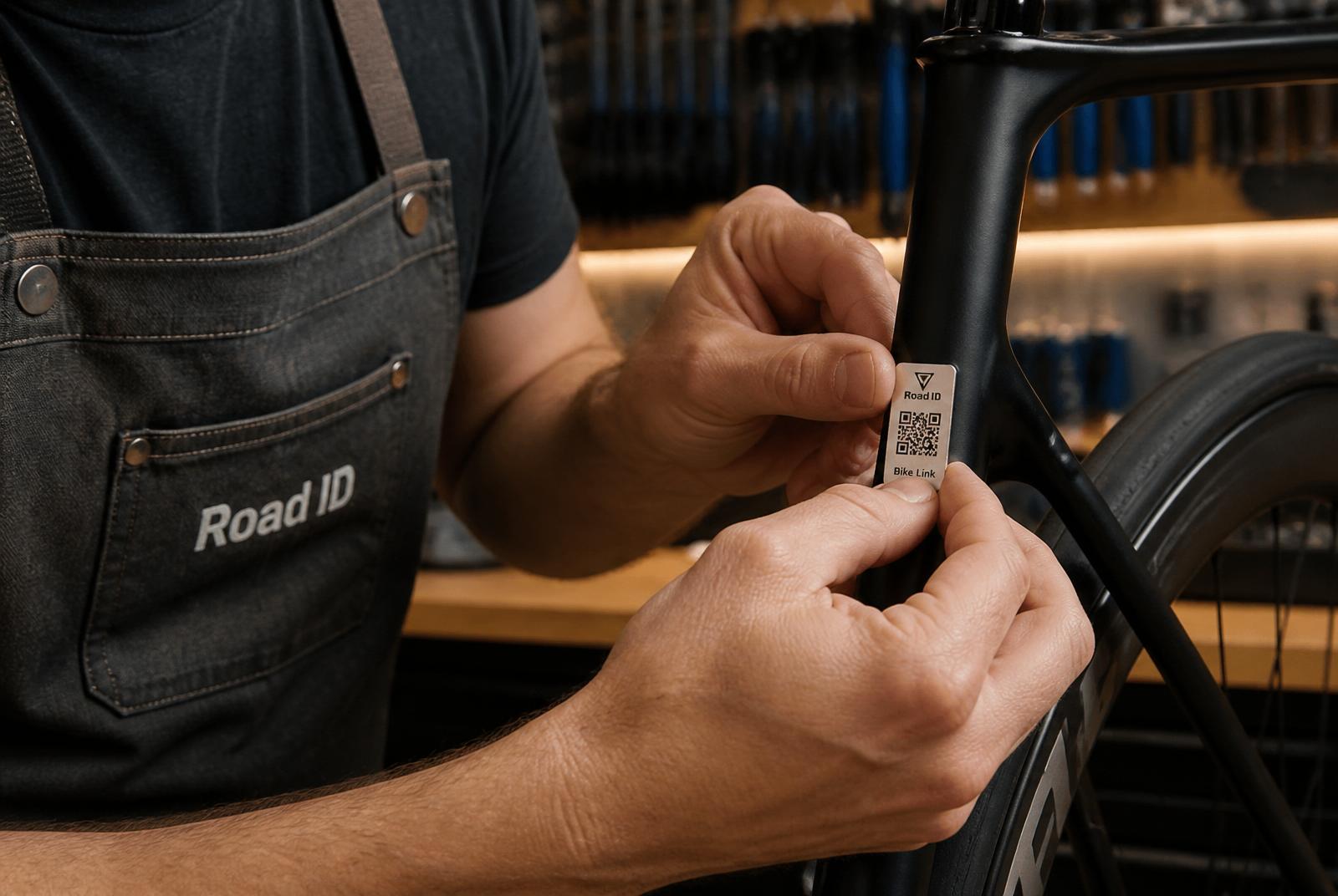
- STEP 1Shop attaches tag
Engraved Bike Link tag applied to the frame.
- STEP 2Shop enters details
Customer email and bicycle information.
- STEP 3Rider gets invitation
Secure activation email arrives.
- STEP 4Rider approves
Connects an existing ROAD iD or creates one.
- STEP 5Bike is active
Anyone who scans sees rider-authorized info.
What happens when someone points a phone at a tag.
- 0sCamera opens the link
No app. The scan page loads on the device that found the bike.
- 1sPrivacy filter runs
The server applies the rider's per-bike preferences before returning any data.
- 2sPublic context appears
Bike name, color, and current status — Safe, Missing, Stolen, or Found.
- 3sOptional actions
Send a private message or share a last-seen location. The rider is notified — details stay hidden.
Why an engraved tag, not another app.
| Approach | Owner effort | Finder effort | Works on rental fleets | Rider privacy |
|---|---|---|---|---|
| Bike Link tag | One-time attach | Point camera | Rider-controlled per scan | |
| GPS tracker | Charge + maintain | N/A | Always-on location | |
| Frame sticker with phone number | Print + apply | Call and hope | Exposes personal number | |
| Registry-only | Fill out form | Look up serial | No live status |
Bike Link is a passive identity tag. It complements — but does not replace — locks, insurance, or law enforcement.
Rider control by default.
Private contact information is not shown publicly by default.
Bike shops cannot view rider medical information.
Rental operators see profile status, not private health details.
Riders approve the information available through each Bike Link connection.
Temporary rental connections expire automatically.
Riders can disable, update, or remove a connection at any time.
Expired emergency information is clearly identified as potentially outdated.
Bike Link is not a substitute for emergency services. It does not claim HIPAA compliance, regulatory certification, or guaranteed emergency outcomes.
Answers to the questions we hear most.
Walk through every scenario in the interactive demo.
Simulate a shop activation, a found-bike scan, a stolen-bike alert, and a rental hand-off — no sign-up required.